
Reference
R6Sync Discord commands
R6Sync ships Discord slash commands for players (stats, Ubisoft link, LFG) and server admins (setup, verification, settings). The table below is generated from the bot definitions — options, permissions, and Premium included.
Member commands
| Command | Description | Options | Permission | Premium | Help |
|---|---|---|---|---|---|
| /botinfo | View information about the R6Sync bot | — | Member | No | — |
| /dashboard | Open the R6Sync web dashboard | — | Member | No | Open help |
| /help | R6Sync v help: commands, dashboard, sync, admin, FAQ | — | Member | No | Open help |
| /language | Set your preferred language for the bot | language | Member | No | Open help |
| /leaderboard | Show the Top 5 MMR leaderboard (server / R6Sync / platform) | — | Member | No | — |
| /lfg | Manage LFG ping notifications by game mode | — | Member | No | — |
| /lfp | Post a squad search from your voice channel | — | Member | No | — |
| /link | Link your Rainbow Six Siege account to your Discord profile | username, platform | Member | No | Open help |
| /premium | Subscribe to R6Sync Premium or view your subscription status | — | Member | No | Open help |
| /r6status | View Rainbow Six Siege server status in real time | — | Member | No | — |
| /shop | [Retired] Shop points — use the web dashboard for Premium | — | Member | No | — |
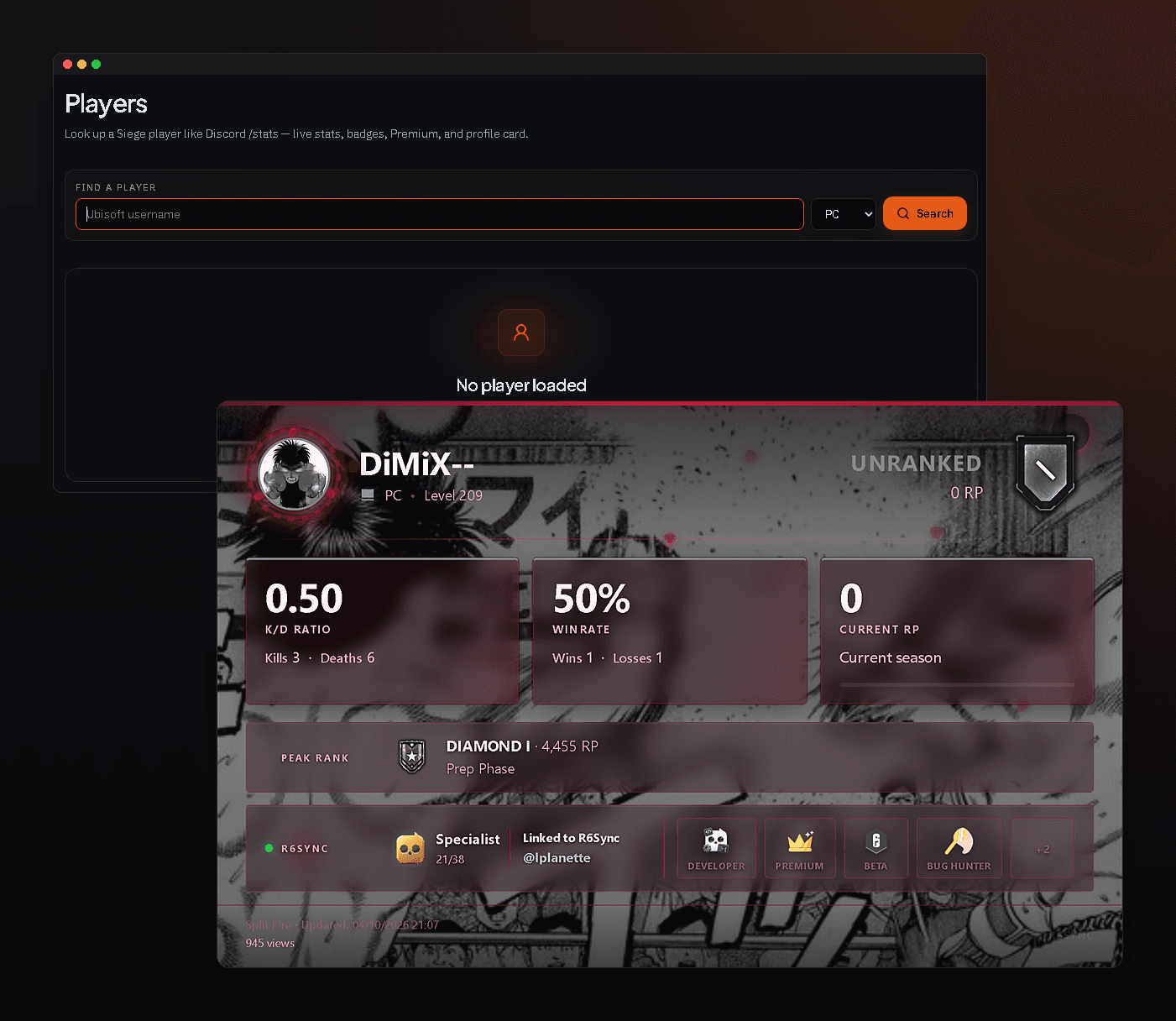
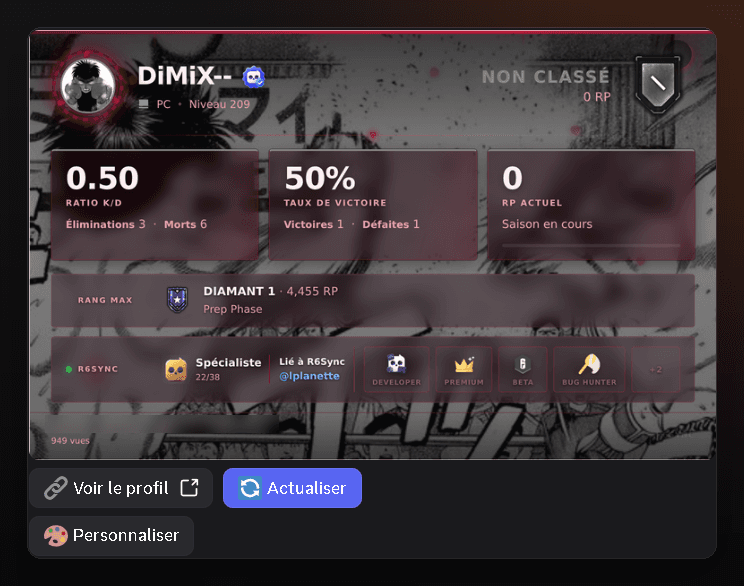
| /stats | View Rainbow Six Siege player statistics | user, username, platform | Member | No | Open help |
| /succes | Open your R6Sync achievements on the web dashboard | notifications | Member | No | Open help |
| /support | Get help from the R6Sync support team | — | Member | No | Open help |
| /sync | Synchronize your R6Sync roles on this server or globally Option global requires Player Pro | global | Member | Option | Open help |
| /unlink | Unlink your Rainbow Six Siege account from your Discord profile | — | Member | No | Open help |
| /watch | Follow an R6 account to be notified in DM if banned | username, platform | Member | No | — |
Server admin commands
| Command | Description | Options | Permission | Premium | Help |
|---|---|---|---|---|---|
| /admin-whitelist | Manage R6Sync admin whitelist (users/roles) for this server | user, role | Admin | No | Open help |
| /bypass | Allow a member to bypass verification (temporary in Advanced mode) | member, duration, custom_hours, reason | Admin | No | Open help |
| /repair | Repair R6Sync roles and log channels if they were deleted | — | Admin | No | Open help |
| /settings | Select the bucket to edit: | — | Admin | No | Open help |
| /setup | Interactive setup wizard for R6Sync configuration | — | Admin | No | Open help |
| /verif | Configure the account verification system (Basic or Advanced) | — | Admin | No | Open help |
Set up the bot on your server
Invite R6Sync, run setup, then enable modules. Help articles cover each command in detail.