
All articles
Admin
AdminSynced roles and member sync
R6Sync rank roles and sync: module order, the /sync command, global sync options, and Discord role hierarchy best practices for admins.
Related commands: /sync
On this page (4)
In what order
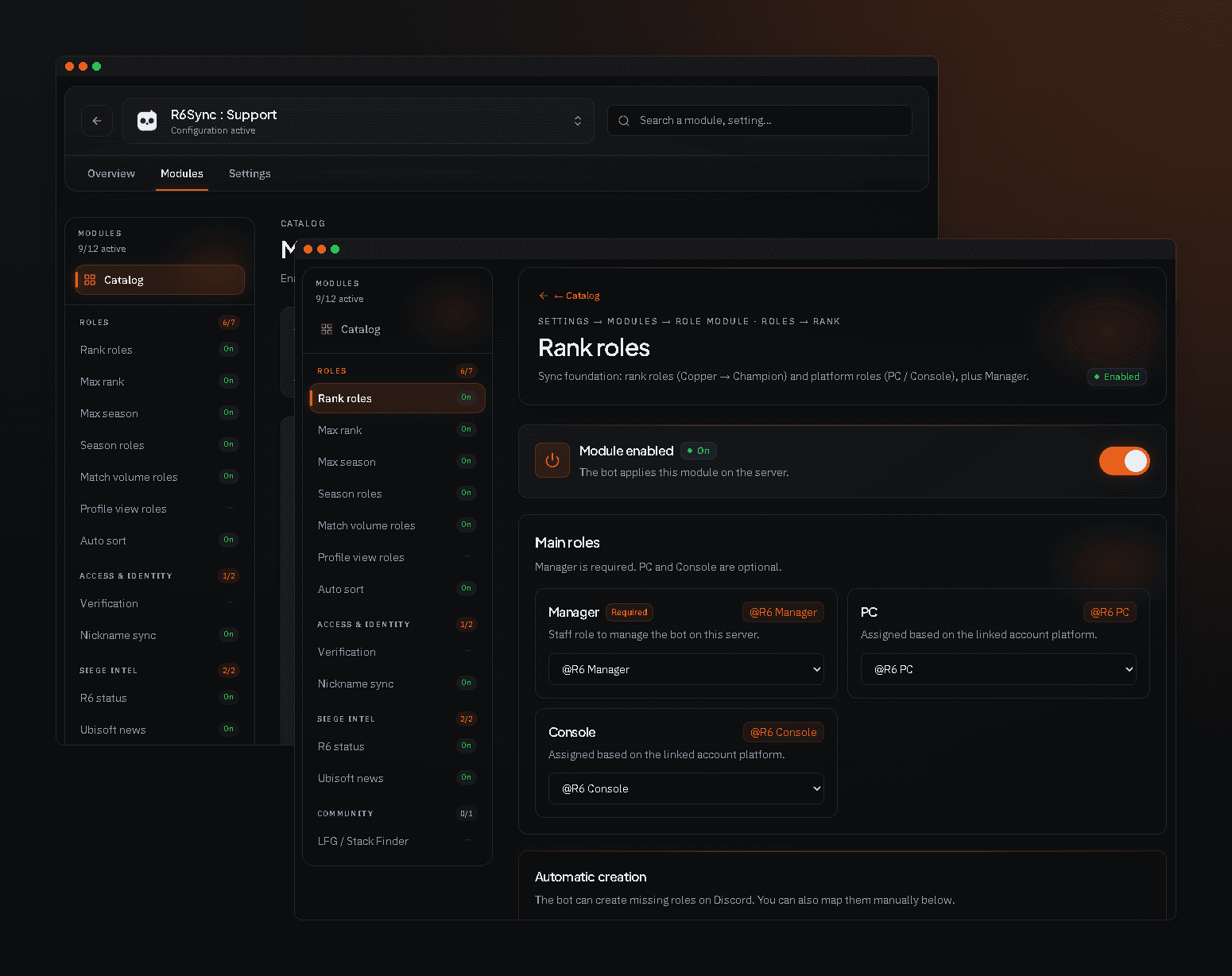
Enable Rank roles first (rank + platform). Then season, matches, views, max rank, max season as needed. Auto sort to tidy the Discord list.
Updating members
- Automatic — often after /link.
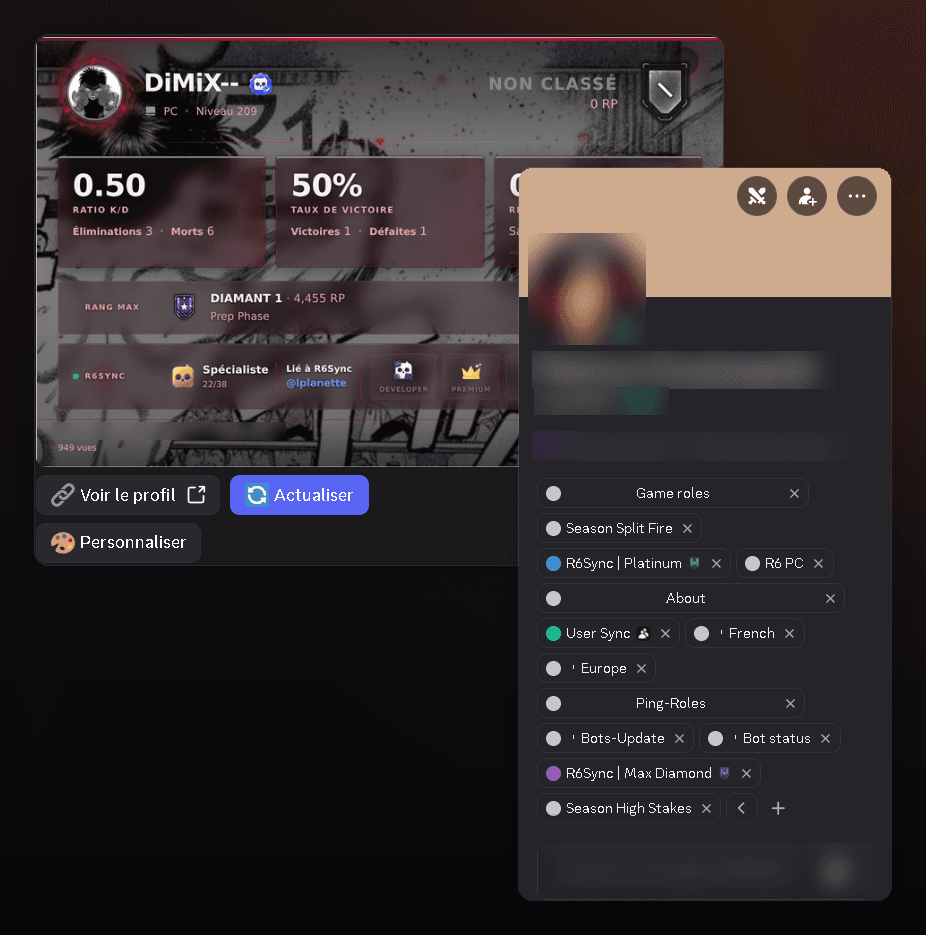
- /sync — sync your roles on this server (member permission).
- Option `global` (Boolean): sync across all your servers — requires R6Sync Classic (or above).
- Member sync (Config) — all linked members at once (useful after a big change).
Repair
Roles or log channels deleted manually → Repair recreates what is missing. Then recheck Modules and test with /sync.
Role modules in the catalog
Setup thematic order: rank roles (rank + platform), then max rank, max season, season, matches, views, auto sort.
Without base rank roles, other role syncs do not hold.