
Bot invite
Invite R6Sync — R6 Discord Bot Rainbow Six Siege
Add the R6 Discord bot to your Rainbow Six Siege server: rank role sync, Ubisoft verification, auto roles, and a full web dashboard in a few clicks.
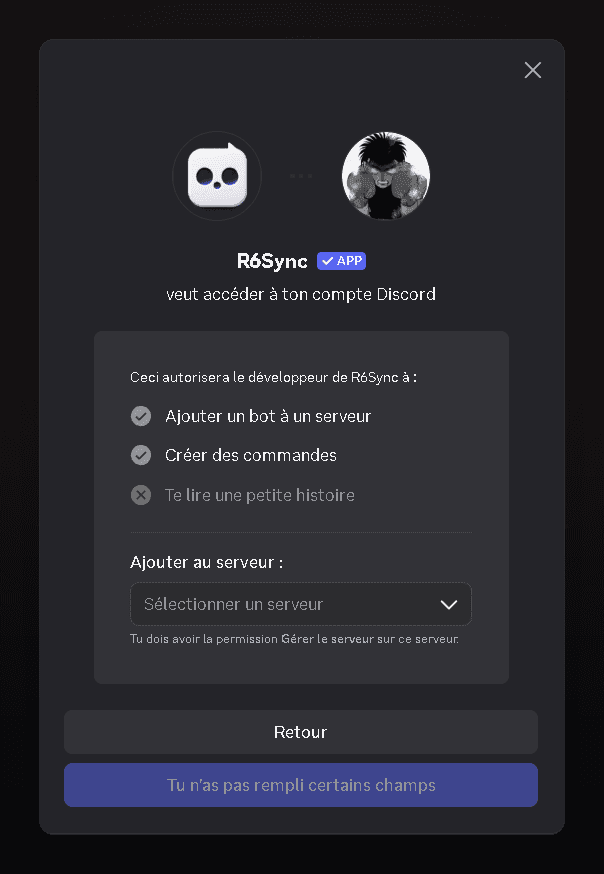
Flow
Add the bot in three steps.
No automatic redirect: you choose when Discord opens.
Step 1
Authorize R6Sync
Discord asks for the permissions we need — no Administrator role.
Step 2
Pick the server
Choose the Siege server where you can manage the bot.
Step 3
Finish web setup
Return to the dashboard to set language, logs, and modules.
Why R6Sync
Useful from the first invite.
Roles aligned with Siege
Rank, season, and platform sync to Discord.
Ubisoft link
Member verification and stats based on a real account.
Web control
Guided setup and modules from the dashboard, not only slash commands.
After the invite
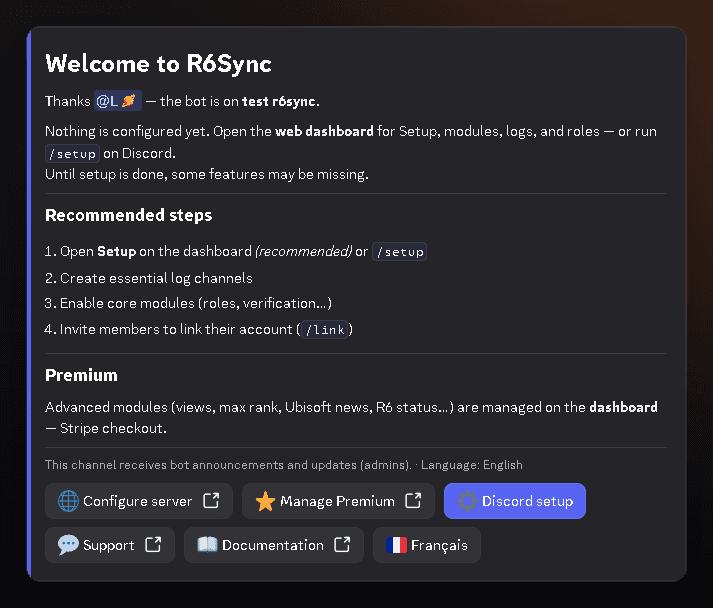
The bot is in — setup starts.
Discord confirms the add, then the dashboard helps you finish config without hunting IDs.
- Welcome message on the server
- Language + log channels setup
- Enable only the modules you need
Permissions
R6Sync only asks for useful rights (channels, roles, messages, nicknames…). No Administrator. You can remove the bot anytime from Discord server settings.