
All articles
Admin
AdminInvite the bot and open My servers
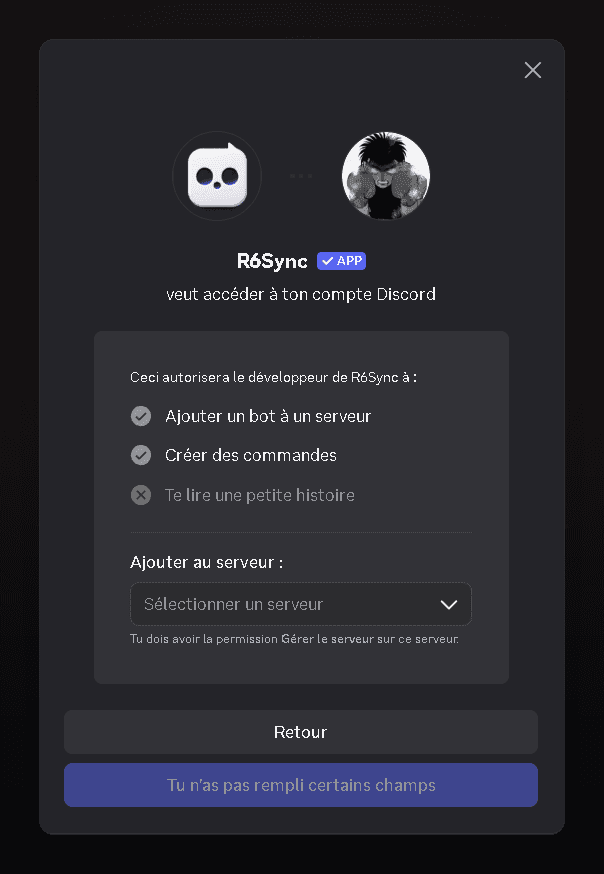
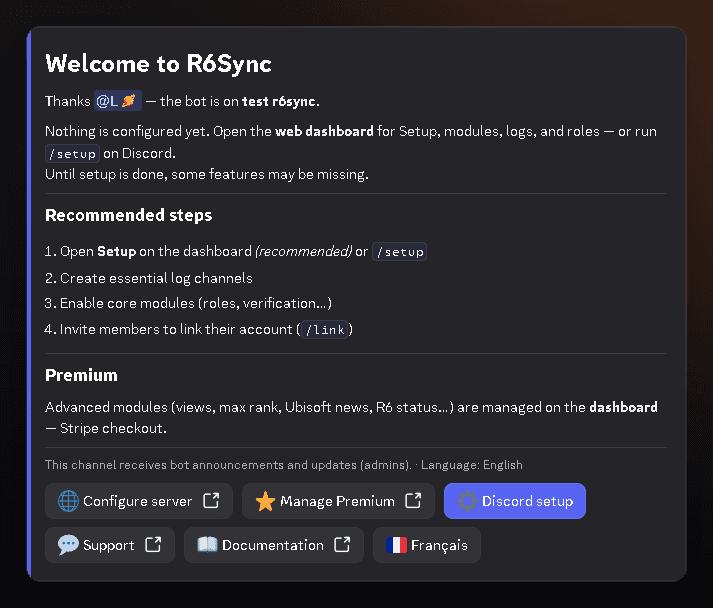
Invite the R6Sync Discord bot to your Rainbow Six Siege server, then open the web admin dashboard to finish setup and enable modules.
On this page (4)
Before you start
You need permission to invite bots (Manage Server).
The bot needs at least: Manage Roles, View / Send Messages, and Manage Nicknames if you enable nickname sync.
Steps
- Sign in to the dashboard.
- Open My servers.
- Invite R6Sync if the bot is not on the server yet.
- Return to My servers and refresh the list.
- Open the server → Setup if not done yet, otherwise Overview / Modules / Config.
Server not showing?
Refresh the list, confirm you are a member, and that the bot was invited. You can also sign in again.